
A projector can work as a TV, but it is best thought of as a display rather than a complete television. It shows the picture from a streaming stick, cable box, game console, laptop, or separate tuner. Once the picture source, room light, and sound path are sorted, it can make an ordinary movie, match, or weekend series feel far bigger without turning the room into a permanent theater.
The important part is choosing a setup that fits how you actually watch. A projector is often a great match for evening viewing, movie nights, a bedroom, a den, or a room where you want the screen to disappear when it is not in use. It is less convincing as a replacement for a bright living-room TV that needs to be switched on instantly at any hour. This guide walks through the practical decisions first, then the connection and picture checks that keep the experience simple.
Start by deciding what “TV” means in your room
For most people, using a projector as a TV means watching streaming services, live TV, sports, games, or a connected media player on a larger screen. The projector provides the image. Another device provides the programmes and apps. That source might be a streaming stick, a cable or satellite box, a game console, a Blu-ray player, a laptop, or a tuner connected to an antenna.
That distinction matters because a projector rarely has the built-in TV tuner that comes inside a television. Acer’s guide to watching TV on a projector notes that a cable or satellite box, streaming device, or separate tuner can provide the television signal through HDMI. If you already watch through a streaming service, this is usually reassuringly familiar: connect the device, choose the HDMI input, and use the source device’s remote or app.
Before buying or moving anything, picture your normal viewing time. If you mostly watch after dark and want a big image for films or sport, a projector can be a very satisfying fit. If you need bright daytime news, quick casual viewing, and no setup steps, a conventional TV is often the calmer choice. There is no prize for making a projector behave like a television in conditions that favor a television.
Choose the simplest picture source
HDMI is the most dependable starting point because it carries both picture and sound between compatible devices. A streaming stick is a straightforward option for on-demand apps. A cable or satellite receiver works in much the same way. For an antenna, use a separate TV tuner or recorder with HDMI output, because the tuner is what receives and decodes the broadcast signal. A game console or laptop can also be a useful source when you already use one for media.
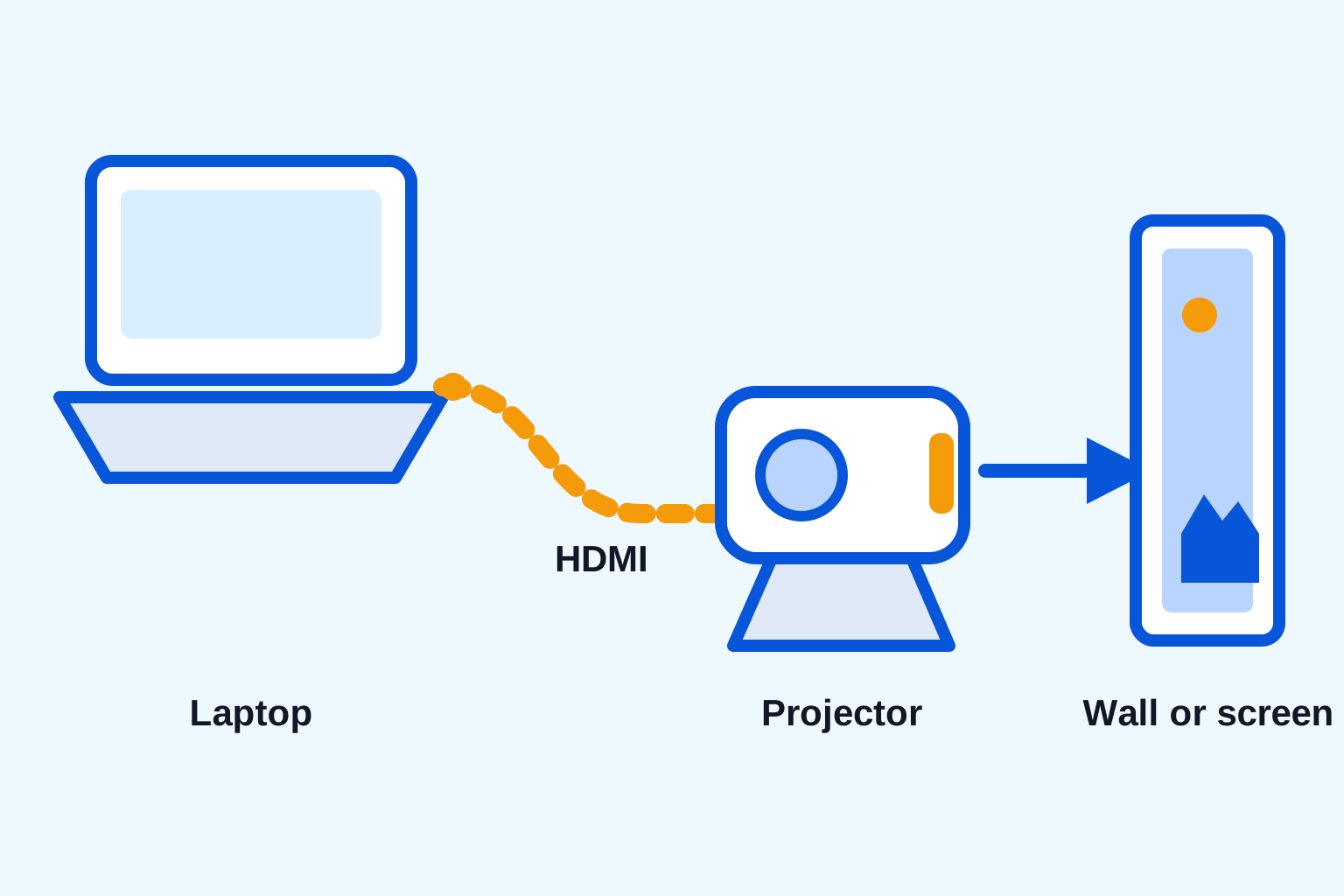
Connect the source to an open HDMI port on the projector, turn on both devices, and select that HDMI input from the projector’s source menu. Sony’s streaming-device support guidance follows the same basic pattern: connect an HDMI-capable streaming device, then choose the matching input. If you see a blank screen, the cause is commonly the wrong input, a loose cable, or a source that has not fully started up.
Built-in apps can be convenient when the projector includes them, but do not assume every app or update will behave the same as it does on a separate streaming device. A tested HDMI source gives you a useful backup. For a phone, use the store’s phone-to-projector guide before relying on a charging cable or wireless mirroring, because not every phone port sends video and some streaming apps limit mirroring.
Make room light the first picture setting
A projector creates an image by throwing light onto a surface. Light already in the room competes with that image, especially in dark scenes. The fastest improvement is usually to close blinds, switch off lamps that shine toward the wall, and choose a screen area away from windows. A slightly smaller image in a darker room often looks clearer and more enjoyable than a huge image fighting daylight.
Use a smooth, light-colored wall for a relaxed setup, or choose a screen when you want a more consistent viewing surface. A wall with heavy texture, strong color, artwork, or shelves can make the picture uneven. You do not need a dedicated screen to test whether a projector suits the room, but you do need an honest view of how the room looks at the time you normally watch.
Do not judge image quality only from a bright menu. Start a familiar scene with faces, subtitles, and a dark background. Sit where you would normally sit. If subtitles disappear, faces look washed out, or the image feels tiring, reduce nearby light or make the picture smaller before digging through picture menus. Physical conditions do more for a projector image than an enthusiastic contrast slider.
Place the projector before using keystone correction
Set the projector on a stable, ventilated surface with the lens pointed toward the middle of the wall or screen. Move it forward or back to reach a sensible image size, then make it as level and centered as the room allows. The exact distance depends on the projector’s throw ratio, so check the product instructions for the model you use. Focus after the projector is physically aligned, using text or menu icons to check the center and corners.
Keystone correction is useful when a room is imperfect, but it is a finishing tool rather than the starting point. Heavy correction can reduce detail, particularly in subtitles and menus. The portable projector setup guide explains the reliable order: center the lens, adjust height and distance, use a small keystone correction only if needed, then focus. That sequence is easier than trying to correct a crooked setup in software.
Give the projector clear air around its vents and keep drinks, loose fabric, and cables away from it. If the arrangement is temporary, take a note of the distance and height that work. The next setup becomes much quicker when you know where the projector naturally produces the image size you like.
Set up sound as a separate decision
Some projectors have usable built-in speakers for casual viewing in a small quiet room. They may not be enough for sport, dialogue-heavy films, or seating spread across a larger room. Start by playing a short scene with conversation. If you need to strain to hear it, use an external speaker rather than pushing the built-in speaker to its limit.
A Bluetooth speaker can keep the room tidy, provided the projector can send Bluetooth audio and the sound stays in sync with the picture. The store’s Bluetooth speaker connection guide covers pairing, output selection, and the common delay problem. For gaming or any situation where lip-sync feels distracting, a compatible wired audio route may be more dependable. Test the whole picture-and-sound path before settling in with a long film.
Put the speaker where the people are, not simply where it is easiest to hide. A speaker near the seating area can make dialogue clearer at a comfortable volume. If you watch in a shared home, that can also be more considerate than turning up a small projector speaker across the room.
Keep the everyday controls easy to reach
A projector setup feels more like a TV when the small controls are not scattered across the room. Keep the projector remote, streaming remote, and power controls in one predictable place. If your streaming device needs line of sight, use the included HDMI extension when its instructions allow it, rather than burying it behind the projector. Labeling one input on the projector menu can also save a surprising amount of time when more than one device is connected.
Use the same startup order for a few evenings in a row: power the projector, wake the source, choose the input, then start the app or channel. If a device loses its connection after the projector is switched off, give it a minute to restart before changing settings. A repeatable routine is more useful than a complicated universal solution, especially when a family member or guest wants to use the setup without a lesson first.
Use a projector where it has an advantage
A projector earns its place when you value a flexible, large image more than all-day brightness. It works well for evening films, a bedroom wall, an occasional big sporting event, gaming in a darker space, or a room that cannot accommodate a large permanent television. A compact model is also easy to store when you want the wall back for everyday life.
Be realistic about the tradeoffs. Projectors are more sensitive to room light, placement, warm-up time, and source-device setup than a standard TV. Some models have limited sound, and compact projectors are not designed to overpower a sunlit room. Calling out those limits is not a drawback. It is how you choose a setup that feels good every time you use it instead of becoming another device that only works on a perfect evening.
For an occasional outdoor viewing night, use the outdoor projector setup guide rather than moving an indoor arrangement outside without a plan. Dry conditions, safe power, a darker location, and a short test matter just as much as the projector itself.
A simple setup with the HY300 portable projector
The HY300 portable smart projector is listed with built-in Android, HDMI input, auto keystone correction, and a 40 to 130 inch projection range. Those features make it a practical choice for a flexible TV-style setup, especially when you start with a moderate image, a darkened room, and a source you have tested. Its compact shape is useful when you want a big screen for the evening and open space the next day.
Pair it with a streaming source that fits your usual services, plus a speaker if the room needs more sound. The audio collection is a good place to look for a portable speaker option. Keep the HDMI cable, remote, power cable, and any phone or laptop adapter together. A small, repeatable kit removes the frustrating part of temporary setups: searching for the one adapter that makes everything work.
Run this five-minute projector TV check
- Darken the room and choose a smooth, clear wall or screen.
- Place the projector level and centered, then set the image size by moving it.
- Connect the streaming device, cable box, tuner, console, or laptop with HDMI.
- Select the matching projector input and play a short clip with dialogue and subtitles.
- Focus the image, use minimal keystone correction, and check the corners for clarity.
- Test the speaker at your normal seat before starting a full programme or film.
Once that routine works, using a projector as a TV feels uncomplicated. The secret is not a pile of extra equipment. It is matching a simple source, a dark-enough room, sensible placement, and reliable sound to the way you actually watch.
Frequently asked questions
Can a projector replace a TV?
It can for the right room and viewing habits. A projector works well when you can manage room light, have enough space for the image size you want, and are comfortable using a streaming device, cable box, or other separate source. A traditional TV is usually easier for bright daytime viewing and instant everyday use.
How do I watch live TV on a projector?
Connect a cable or satellite receiver, streaming device with a live-TV service, or a separate TV tuner to the projector, usually through HDMI. Select that HDMI input on the projector, then use the source device as you normally would. Most projectors do not include the tuner found inside a television.
Do I need a screen to use a projector as a TV?
No. A smooth, light-colored wall is enough for casual viewing. A proper screen can give you a more consistent surface when wall color, texture, or room light makes the picture look uneven.
Why is my projector picture dim during the day?
Ambient light reduces the contrast a projector can show. Darken the room, close curtains, turn off lights that hit the viewing wall, and reduce the image size. If daytime viewing is a regular need, a traditional TV may be the more practical display.
Related posts

Portable Projector Setup: Get a Clear Picture Anywhere
A practical guide to placing, focusing, connecting, and tuning a portable projector for movie night, gaming, or a quick big-screen setup.

How to Connect Your Phone to a Projector
A practical guide to wired and wireless phone-to-projector connections, plus the compatibility checks that prevent a movie-night scramble.
How to Connect a Laptop to a Projector
A simple laptop-to-projector guide for HDMI, display settings, sound, and the quick checks that prevent a blank screen.

How to Connect a Bluetooth Speaker to a Projector
A simple guide to pairing a Bluetooth speaker with a projector, choosing the right audio output, and solving common sound problems.