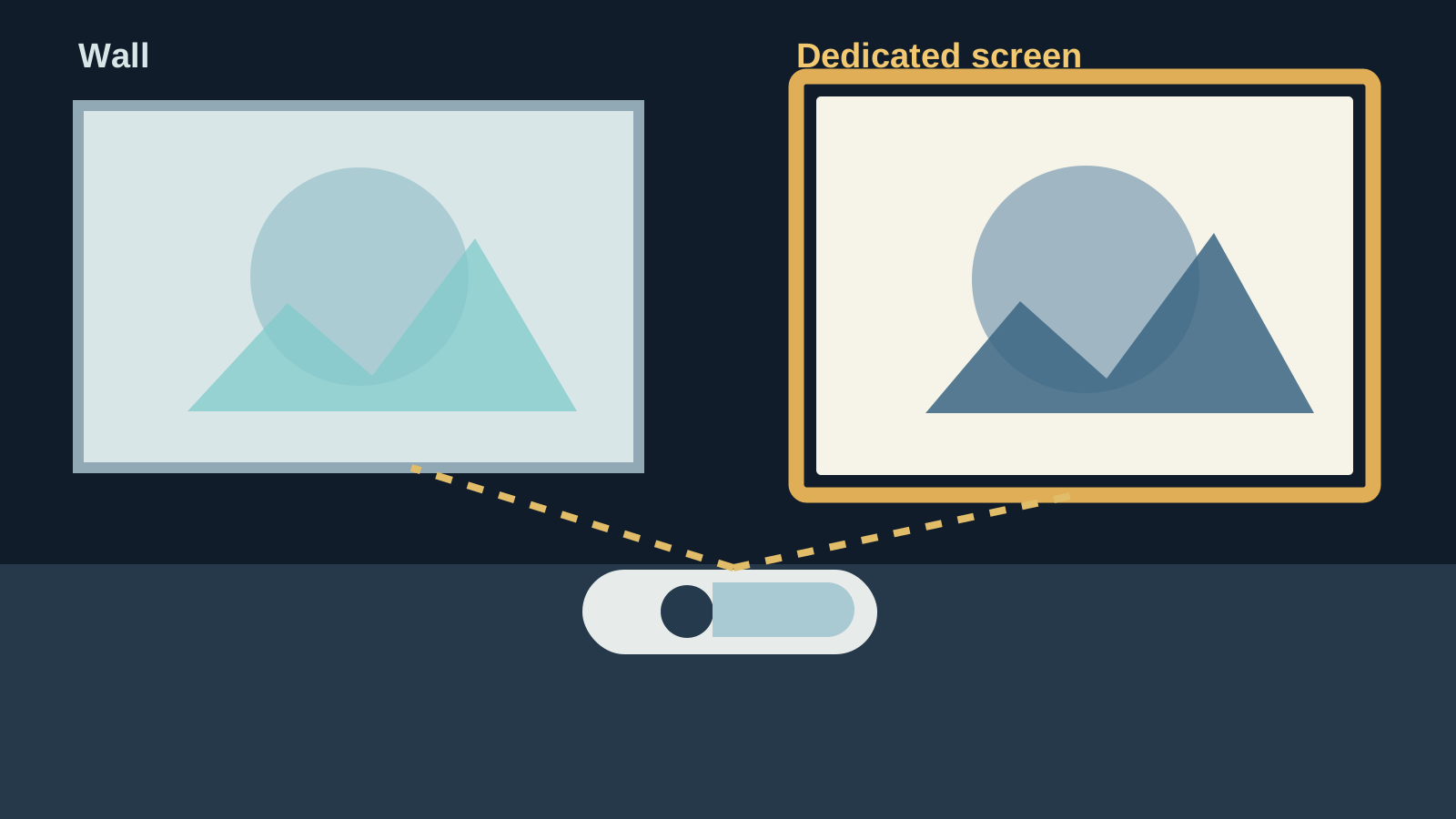
A projector does not need a dedicated screen to make a good movie night. A clean wall can be the fastest, least expensive way to get started, particularly in a bedroom, apartment, dorm, or living room where the setup is occasional. But a wall and a purpose-built screen are not the same thing. The surface changes how evenly the projector’s light is reflected, how colors look, and how much small imperfections show once the image becomes large.
The practical answer is simple: start with the wall you already have if it is smooth, light, and easy to darken around. Move to a screen when you watch often, want a more dependable picture, or keep noticing the room getting in the way. The right choice is the one that suits the space you really use, not the one that adds the most gear.
Start with the room, not the shopping list
Before deciding on a screen, look at the surface and the light in the room at the time you normally watch. A flat, light-colored wall in a room with curtains and controllable lamps can work remarkably well for casual films, games, and streaming. A wall covered in texture, artwork, shelves, glossy paint, or a strong color will make a projected image harder to enjoy before the projector has even had a chance.
Room light matters just as much as the surface. A projector creates light, so window light and lamps near the viewing wall compete with the picture. Close blinds, turn off lights aimed toward the wall, and choose the clearest open surface you have. The store’s portable projector setup guide walks through that order because placement and room light generally make a bigger difference than repeatedly changing picture settings.
When a wall is the right choice
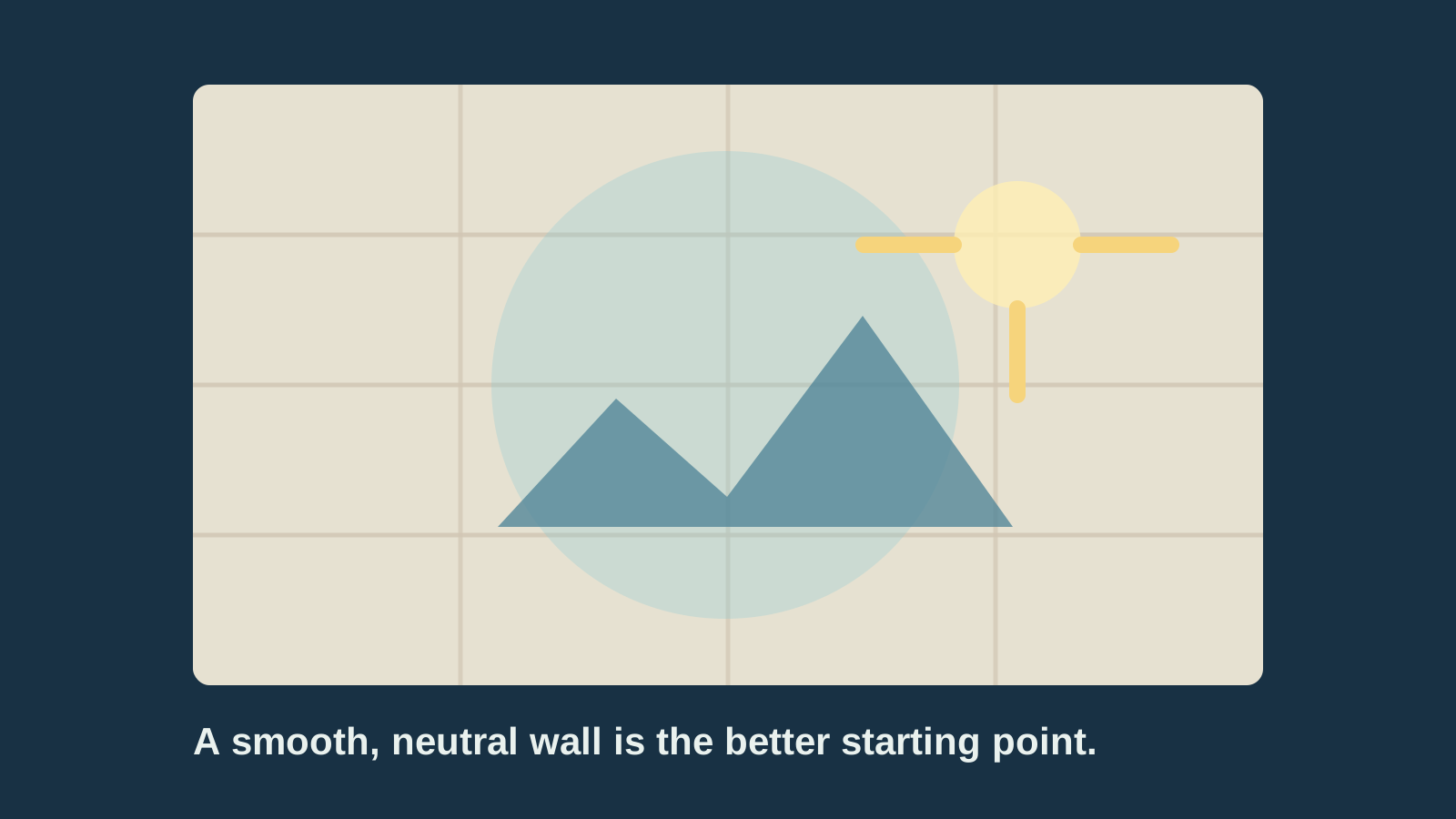
A wall is a sensible choice when the setup is temporary, the room gets dark enough, and you want to find out whether you will actually use a projector before spending more. It is also practical where mounting a screen is not possible or desirable. Renters, students, and anyone who wants a big picture only for an occasional film or game should not feel pressured to turn a simple setup into a home-theater project.
For the best chance of a good wall picture, choose a smooth area painted in a light, neutral, matte finish. Keep the image away from trim, outlets, frames, and wall decorations. A smaller image is often more satisfying than stretching the picture across every inch of blank space, especially if the room has light leaking in. A darker room and a modest image size make a compact projector look far more convincing than a huge washed-out rectangle.
A wall can also be useful as a trial run. Set the projector up for a few evenings, watch the kind of content you actually enjoy, and note what bothers you. If the picture is clear enough and the surface disappears while you watch, there is no urgent reason to change it. If you keep seeing roller texture, warm paint color, or uneven brightness, you have a clear reason to consider a screen instead of buying on speculation.
Where a wall starts to show its limits
Walls are built for a room, not for reflecting projected light. Even a wall that looks smooth from across the room can have roller marks, small bumps, patchwork, or a faint sheen. When a projector enlarges the image, those details can soften fine text and make bright areas look uneven. A wall painted cream, gray, blue, or a warm white can also nudge the color of everything you watch, including skin tones and subtitles.
That does not make a wall unusable. It just means the room has become part of the picture. The difference is easiest to notice in scenes with pale skies, large bright areas, text, or slow panning shots. If the picture looks a little dull, do not assume the projector is faulty. First check the wall, nearby light, image size, and viewing distance. A dedicated screen can solve surface consistency, but it cannot fully overcome a sunlit room.
Many comparison guides focus on gain, a measurement of how a surface reflects light. What matters in everyday use is less technical: a screen is designed to give the projector a consistent surface, while a wall can absorb, tint, or scatter some of that light. Best Buy’s screen-versus-wall explanation makes the same useful distinction, noting that texture, reflectivity, and color neutrality all affect the picture. Treat a wall as a practical starting point, not as a promise that every wall will look the same.
What a dedicated screen improves
A good screen gives you a deliberately flat, even surface. That can make the picture look more uniform from edge to edge and help colors appear more predictable. It also creates a clear boundary for the image, which makes a room feel more intentional during movie night even before the film begins. The improvement is usually most worthwhile when the projected image is large, the wall is textured, or the projector is used regularly.
Screens come in fixed-frame, pull-down, portable, and freestanding designs. A fixed-frame screen is neat and stable when one wall is dedicated to viewing. A pull-down screen suits a multi-purpose room where the wall needs to stay available. A portable screen is convenient for backyard evenings or rooms where the projector comes out only sometimes. The store’s outdoor projector setup guide covers the extra care a temporary screen needs, including a stable position, a darker location, and a safe power plan.
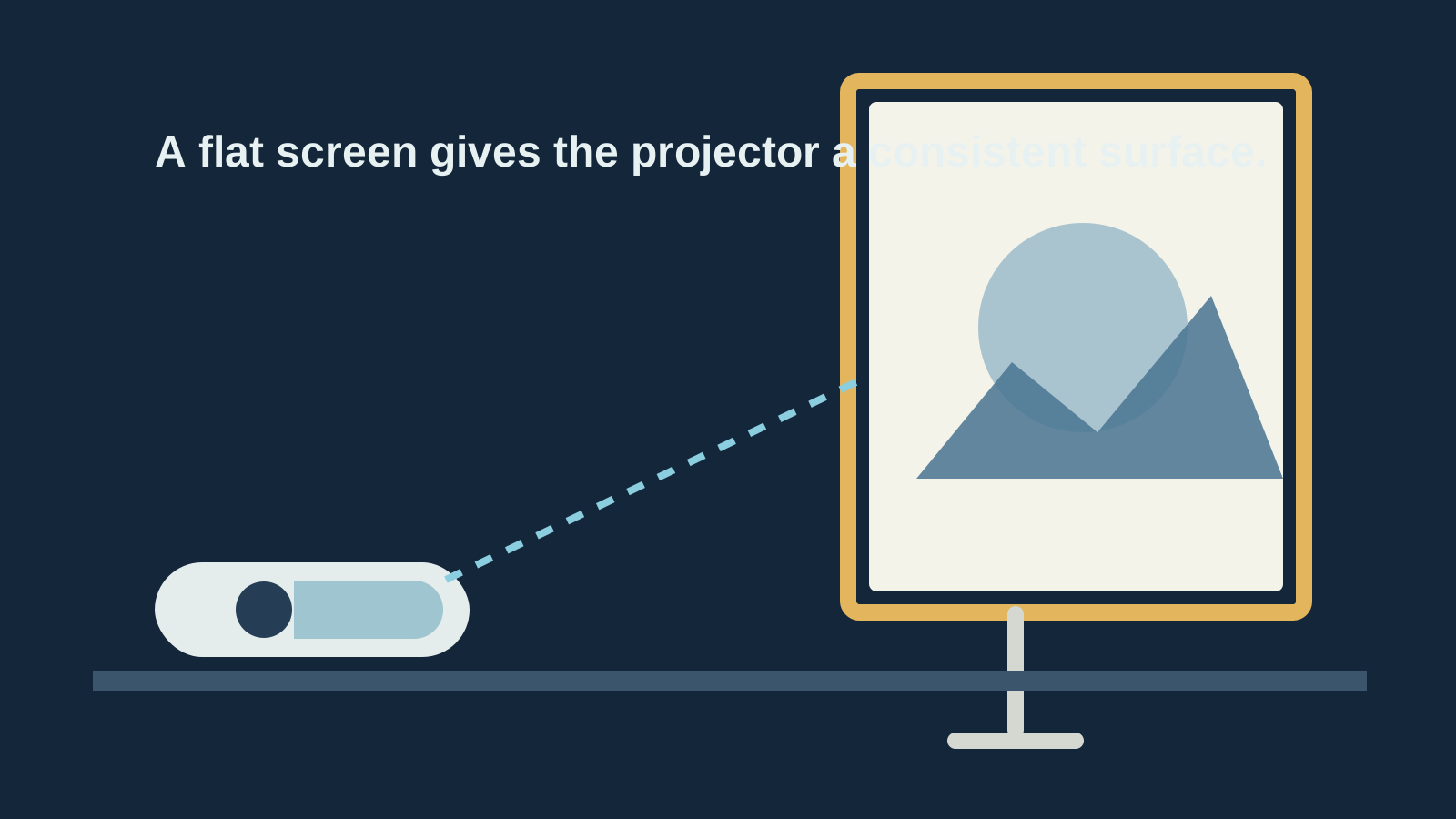
A screen is not automatically the right answer for every budget setup. A very low-cost, wrinkled, poorly supported screen can be more distracting than a smooth wall. Look for a surface that stays taut and flat, and choose a style that fits the room rather than buying the largest option available. Consistency is more useful than an ambitious setup that is difficult to install or never gets used.
Choose the surface for your viewing habits
Use a wall when you watch occasionally, can darken the room, and have a smooth neutral surface already available. This is the low-effort, low-cost route. It works well for a bedroom, a first projector, relaxed movie nights, or a temporary setup. Spend the effort on centering the projector, focusing carefully, and controlling nearby light before deciding the wall is the problem.
Choose a screen when you watch regularly, want the best picture the projector can deliver, or are tired of working around surface texture and paint color. A screen is also useful when the viewing wall is shared with art, shelving, doors, or other everyday room functions. The purchase makes most sense after the projector habit has stuck, because you know the size, room, and placement you actually prefer.
If the room is bright during your normal viewing time, solve that issue first. Blackout curtains, moving the setup away from direct light, or choosing evening viewing can help more than changing surfaces alone. Some specialty screens are designed to handle more room light, but they are not a magic fix for a bright window or an overhead lamp pointed at the image. Set honest expectations and the whole setup becomes easier to enjoy.
Get the basics right before judging either surface
Place the projector level and as square to the wall or screen as possible. Move it forward or back for the image size you want, then use only a small amount of keystone correction if needed. Heavy keystone adjustment can make detail softer, so physical placement should do most of the work. Focus on text or menu icons and check both the center and corners before starting a film.
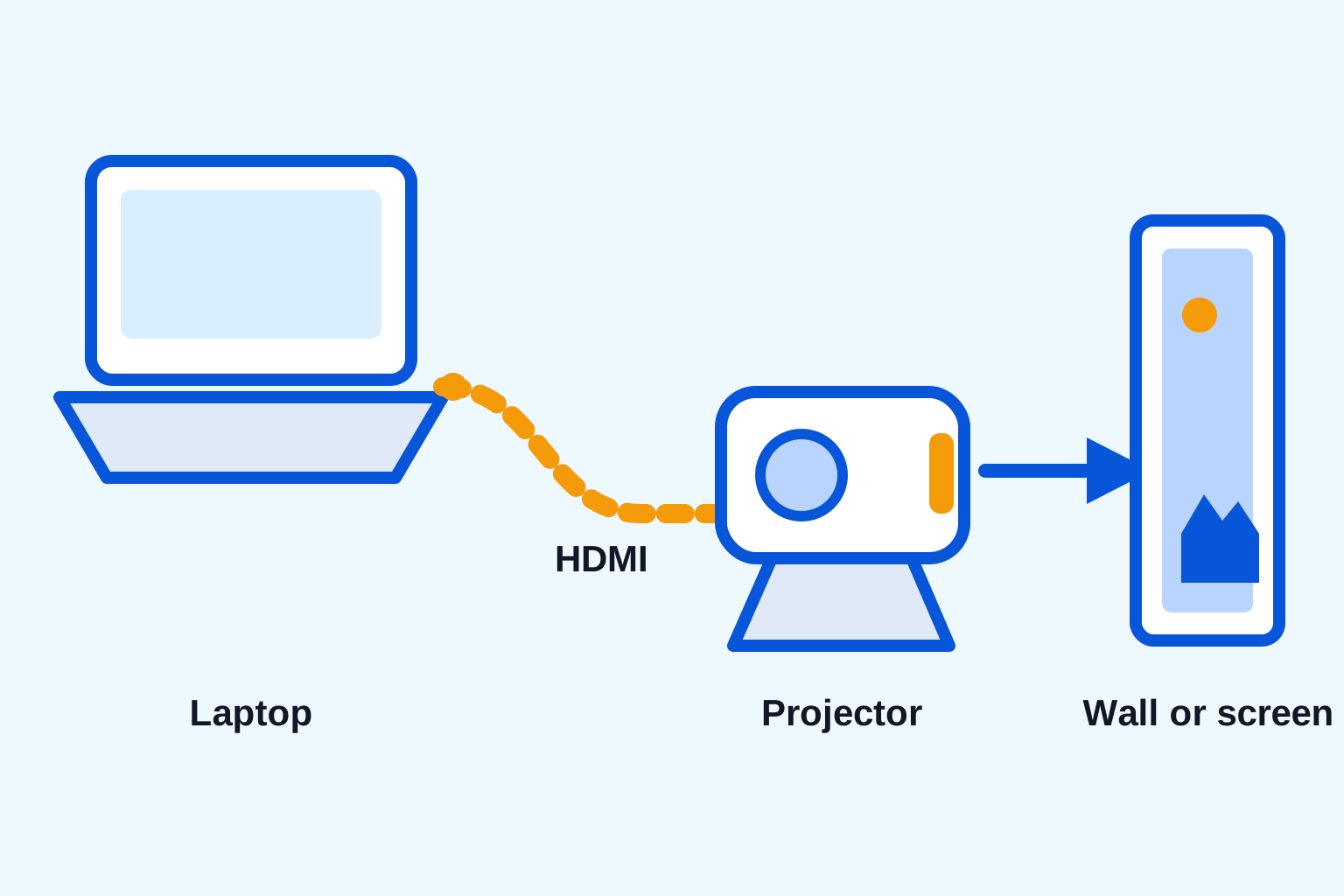
Use the same source you plan to watch with, such as a streaming stick, game console, or laptop. HDMI is often the simplest dependable connection, and the laptop-to-projector guide explains the quick checks that prevent a blank screen. For a phone setup, read the phone connection guide first, since a charging cable alone does not guarantee video output.
Then test a familiar scene with faces, subtitles, darker areas, and some movement. Look from the seats where people will actually watch. If the picture looks washed out, reduce room light or image size. If the picture seems soft only on the wall, try a smoother portion of the wall before blaming the projector. This short test reveals more than a product specification ever will.
A practical starting point for a compact projector
The HY300 portable smart projector is listed with built-in Android, HDMI input, auto keystone correction, and a 40 to 130 inch projection range. It is a practical match for trying a wall-first setup because it is compact enough to move between rooms while you learn which surface and image size feel right. Begin with a smaller, well-focused picture in a darker room, then adjust from there.
If you decide the projector will become a regular part of movie nights, a screen can be the next thoughtful upgrade. If the wall already looks good, keep it simple and put the attention into reliable sound and a tested source. The point is a setup that starts easily and lets you enjoy what is on screen, not an expensive pile of accessories.
Make the upgrade only when it solves a problem
There is no need to replace a wall just because a screen exists. Upgrade when you can name the problem you want to remove: a textured wall is distracting, colors look uneven, the picture needs a clearer edge, or the room has become the regular place for films and games. A screen should make viewing easier and more consistent, not create a new installation chore that nobody wants to deal with.
Think about storage and setup time, too. A portable screen is useful only if it is easy enough to bring out, level, and put away. A pull-down screen is useful only if its location works with seating and the projector's throw distance. A fixed-frame screen is useful only if that wall is genuinely dedicated to viewing. It is worth measuring the room, checking where people sit, and testing a temporary setup before committing to a permanent one.
Sound belongs in the same decision. Once the surface is good enough, dialogue and source reliability are often the next things people notice. If you want more room-filling audio, the Bluetooth speaker guide explains how to test the audio path before a movie starts. A modest, reliable setup almost always beats a more elaborate setup with one weak link.
Use this quick wall-versus-screen check
- Darken the room and choose the smoothest, lightest open wall you have.
- Place the projector level, set a moderate image size, then focus carefully.
- Play a familiar scene with faces, subtitles, and darker areas.
- Watch from your usual seat and notice texture, color cast, brightness, and focus across the image.
- Keep the wall if it disappears while you watch. Consider a screen if the surface keeps pulling attention away.
That is the decision in its most useful form. A wall is good enough when it lets you enjoy the film without thinking about the wall. A screen earns its place when it removes a real limitation in the room you use most.
Frequently asked questions
Can I use a white wall instead of a projector screen?
Yes. A smooth, light, matte wall can be a good choice for casual viewing, especially in a room you can darken. It is a sensible way to test a projector setup before buying more equipment.
Does a projector screen look better than a wall?
Usually, yes. A purpose-built screen is made to stay flat and reflect light evenly, so it can make color, brightness, and detail more consistent. The difference is easiest to notice when the wall has texture, color, or room light nearby.
What wall color is best for a projector?
A smooth, neutral, light-colored matte wall is the easiest starting point. Avoid strong colors, glossy paint, visible texture, artwork, and uneven patches because each can show through the projected image.
When is a projector screen worth buying?
A screen is worth considering when you watch often, want a larger picture, care about consistent color, or cannot fully control room light. It also helps when the wall is textured, colored, or shared with furniture and artwork.
Related posts

Portable Projector Setup: Get a Clear Picture Anywhere
A practical guide to placing, focusing, connecting, and tuning a portable projector for movie night, gaming, or a quick big-screen setup.

How to Connect Your Phone to a Projector
A practical guide to wired and wireless phone-to-projector connections, plus the compatibility checks that prevent a movie-night scramble.
How to Connect a Laptop to a Projector
A simple laptop-to-projector guide for HDMI, display settings, sound, and the quick checks that prevent a blank screen.

How to Connect a Bluetooth Speaker to a Projector
A simple guide to pairing a Bluetooth speaker with a projector, choosing the right audio output, and solving common sound problems.